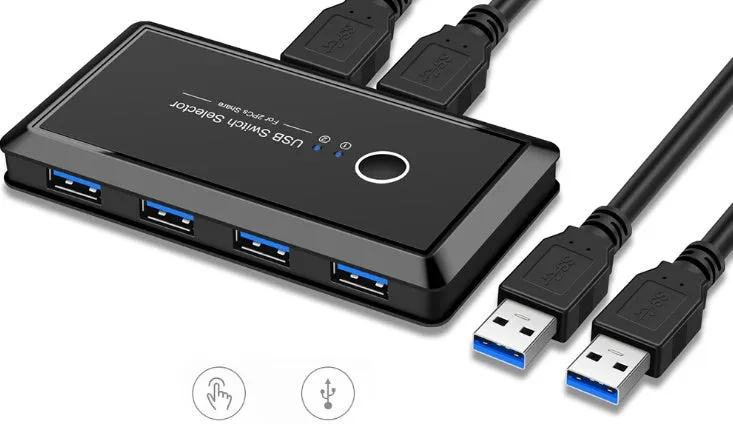
USB Multi-Interface Two-In Four-Out Splitter for Printer USB Flash Drive Hard Disk Mouse with Manual Button Switching and Blue Indicator Light in Black ABS Material


USB Multi-Interface Two-In Four-Out Splitter for Printer USB Flash Drive Hard Disk Mouse with Manual Button Switching and Blue Indicator Light in Black ABS Material
USB Multi-Interface Two-In Four-Out Splitter for Printer Sharing with Button Switching
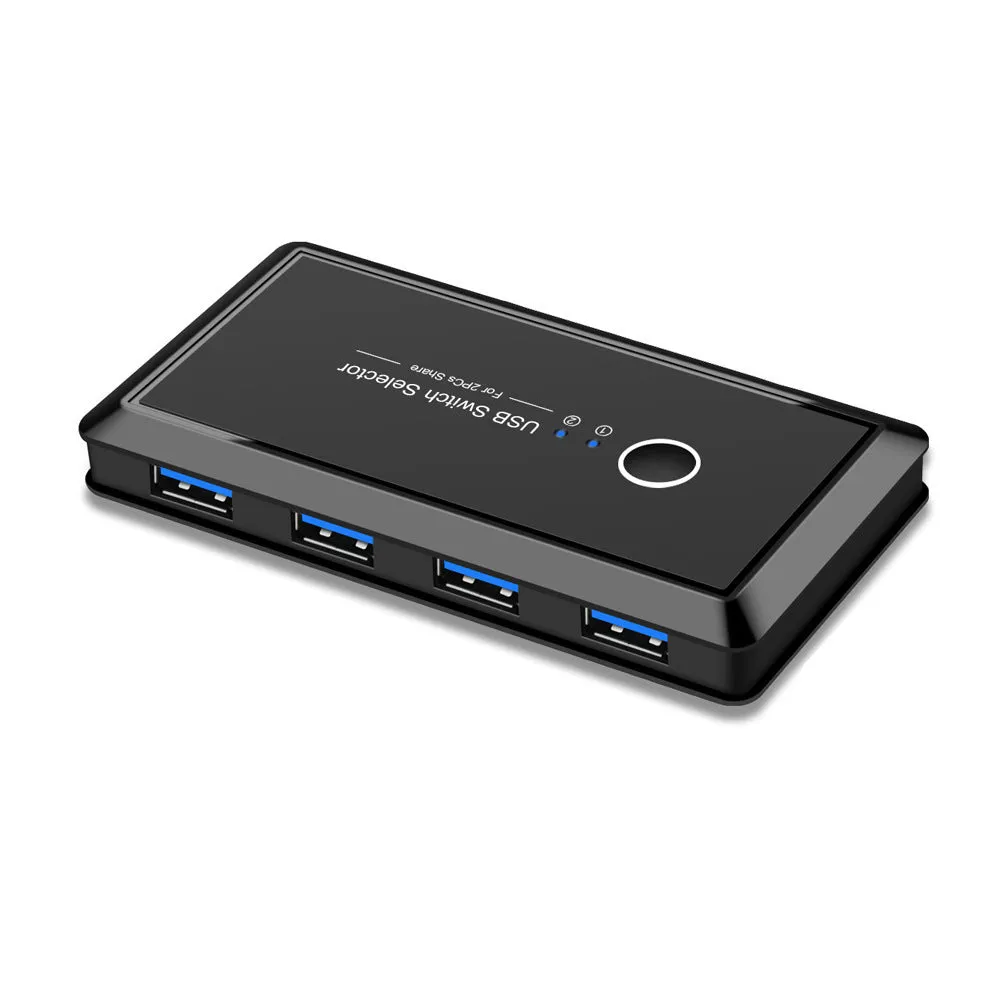
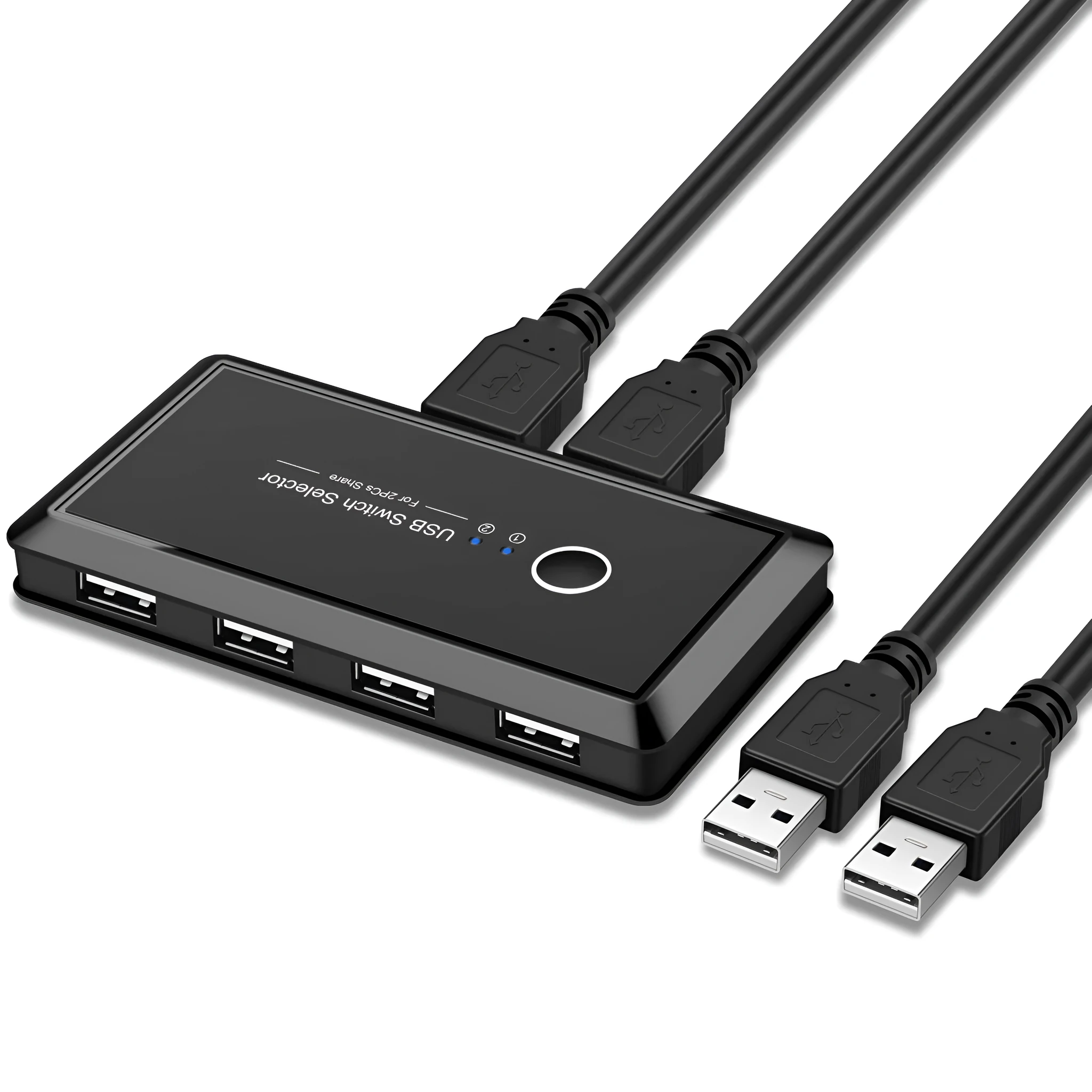
This USB splitter lets you connect one USB device to two different computers and switch between them with a single button press. It eliminates the need to constantly unplug and replug cables, reducing wear on both device ports and USB connectors. The plug-and-play design means you can set it up in seconds without installing any software. Whether you need to share a printer between a desktop and laptop, or a USB flash drive between work and personal computers, this splitter offers a straightforward solution.
Features and Construction
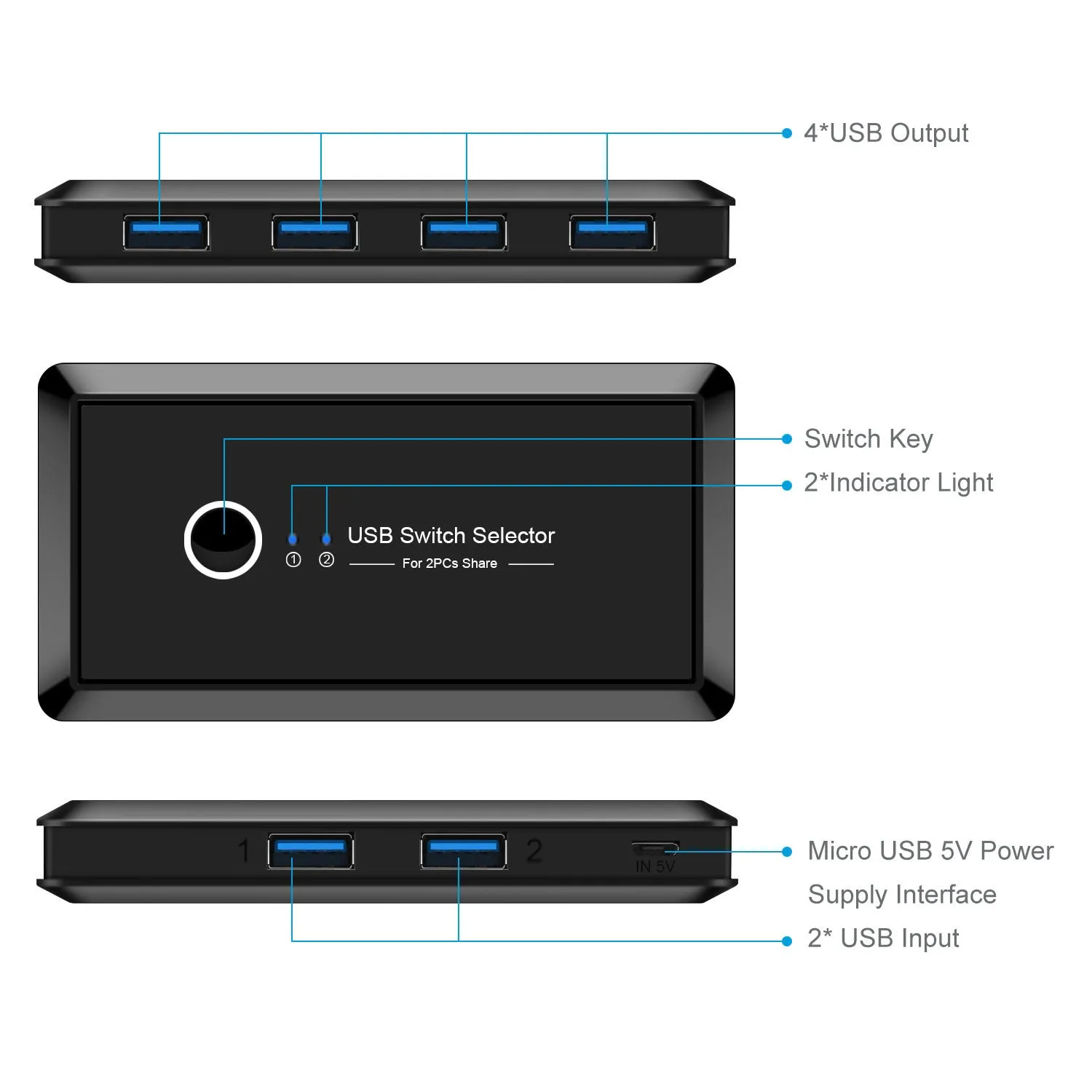
The splitter is built using ABS plastic with a black finish, making it robust enough for daily desk use. Its compact size does not clutter your workspace, and the manual button provides clear control over device selection.
Manual Button Switching
Press the button on the unit to toggle between Computer A and Computer B. A blue indicator light confirms which computer is currently active, so you always know which system has control of the connected device.
USB3.0 Interface with 5Gbps Speed
The external interface uses USB3.0, supporting data transfer speeds up to 5Gbps. This is suitable for high-speed devices like external hard disks and USB flash drives, ensuring minimal delay when copying files.
Wide Compatibility
The splitter works with multiple operating systems including Windows XP, 7, 8, 8.1, 10, LINUX, and MAC. It supports a range of USB devices such as printers, USB flash drives, hard disks, mice, and other common peripherals.
Uses and Placement
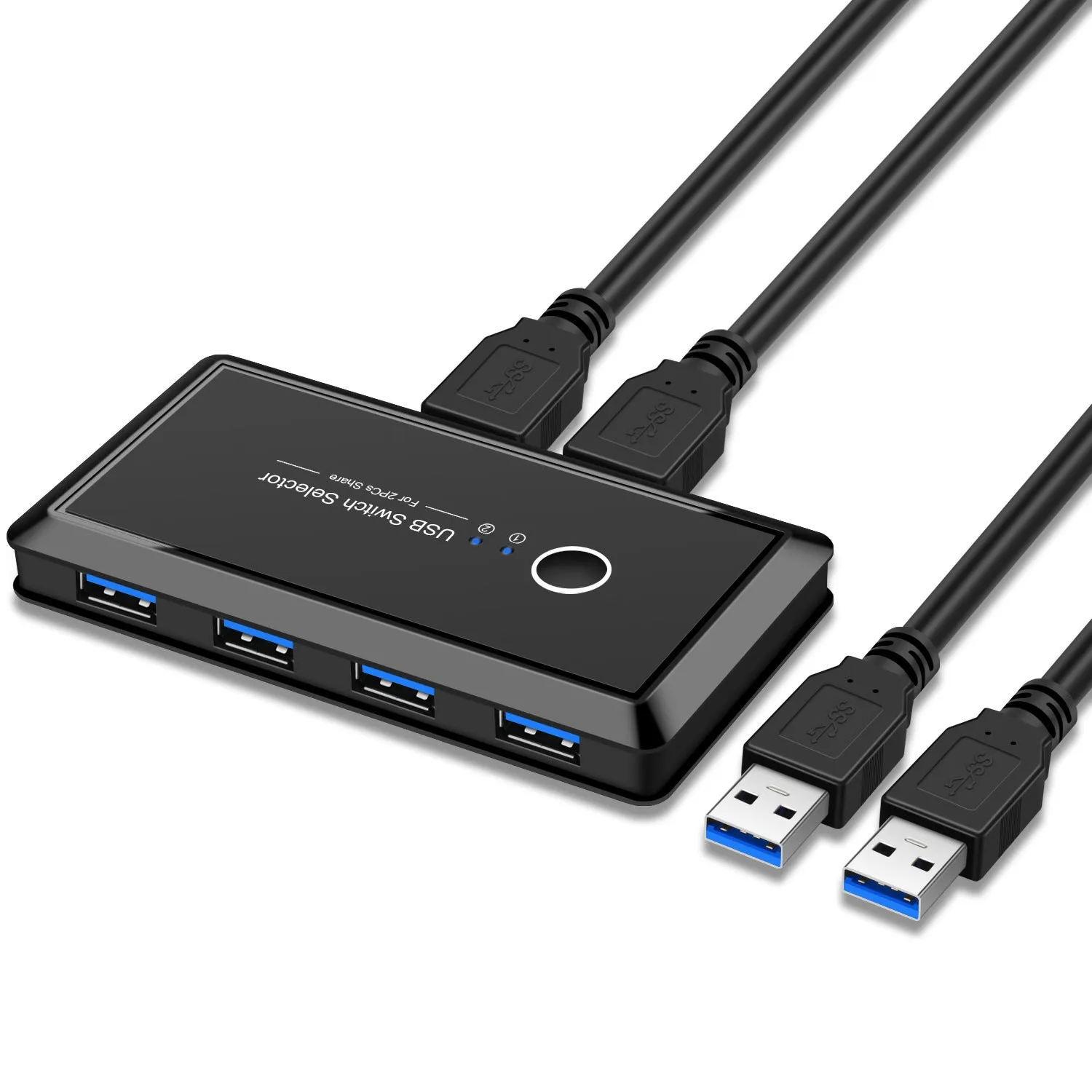
This splitter is designed for environments where two computers need to share a single USB device without physical cable swapping. It is especially useful for home offices, shared workstations, and small print rooms.
Event or Professional Use
In a shared office, two employees can take turns using a single printer or scanner without needing to unplug and move cables. The manual button makes switching clear and intentional.
Everyday Home Use
At home, you can connect a family desktop and a laptop to one printer or external drive. This reduces the need for multiple peripherals and keeps your desk tidy.
Benefits and Buying Value
The splitter reduces wear on USB ports by minimising unplugging, and its plug-and-play nature means zero setup time. The ABS casing is lightweight yet durable enough for regular use.
Reuse and Low Maintenance
Once installed, the splitter requires no ongoing maintenance. Simply press the button to switch between computers, and the device is ready to use again.
Why Choose This Product
If you need a simple, reliable way for two computers to share one USB device without network setup or additional drivers, this splitter provides a direct hardware solution. It supports common devices and operating systems, making it a practical choice for mixed-platform environments.